The Designer Who Ships Code
The Problem
⚠️ Design and code have always run on parallel tracks.
At Adverity, an initiative was already underway to close that gap, bringing designers closer to the codebase and reducing the friction between design intent and what actually ships. The workflow existed in draft form. The step-by-step guide existed. The goal was clear. Getting it to actually work, consistently, across different machines and setups, was the harder part.
That's where I came in.
My Role
I joined this initiative halfway through, collaborating with a designer who had already been laying the groundwork. My contribution was in getting the workflow from almost there to actually working, and then using it on real work.
Specifically:
- Worked through the setup process collaboratively: installing dependencies, working through Docker configuration, debugging errors, and feeding fixes back into the guide so the next person didn't hit the same walls.
- Helped get the workflow to a polished, documented state the wider team could follow.
- Participated in and helped run a team workshop to explore what AI looks like in design workflows, get everyone set up, and build shared understanding across the team.
- Used the workflow on real work: committing via Git, getting changes reviewed by engineers, ensuring they passed tests, and getting them merged to main and shipped to customers.
The Workshop
Before anyone could adopt the workflow independently, we needed to get the team aligned on what it even meant to work closer to code as a designer.
We ran a hands-on workshop with the wider design team. The goal wasn't to turn designers into developers. It was to demystify the tools, show what was actually possible, and get everyone set up and confident enough to try it themselves.
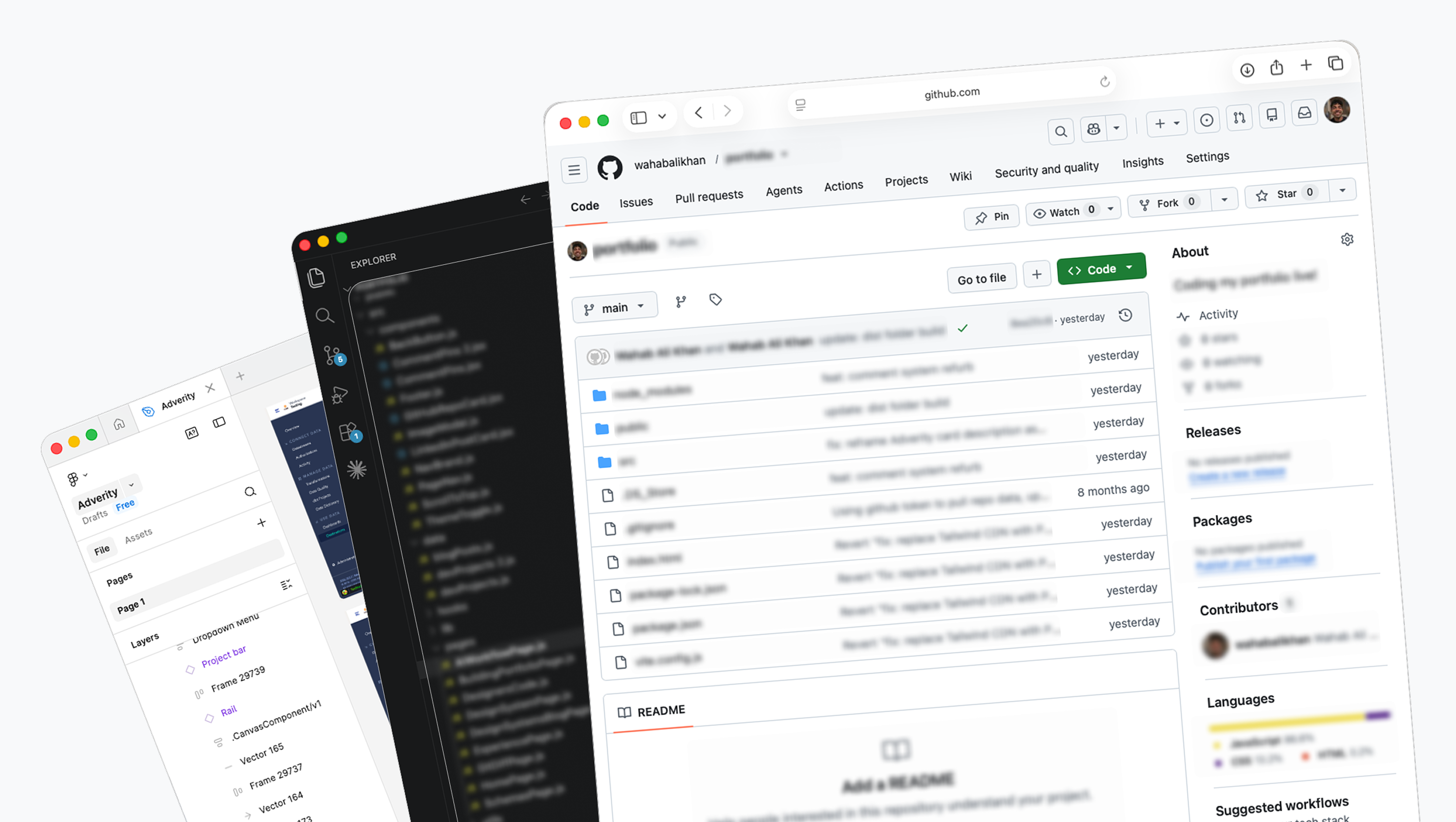
We walked through the full workflow together: pulling live pages into Figma, making changes in VS Code with Claude Code, committing via Git, and seeing something run locally. People who had never opened a terminal left with a working dev environment.
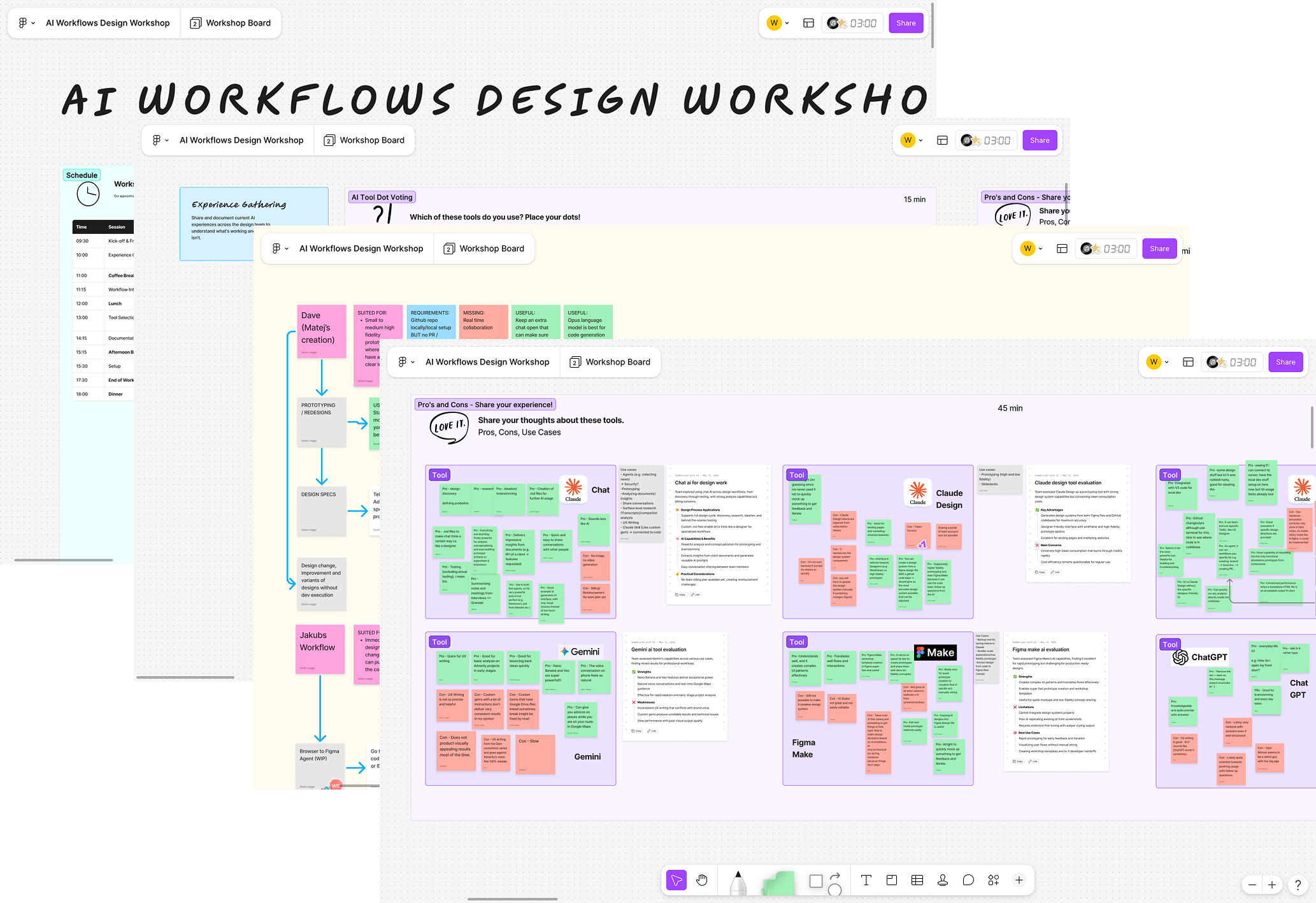
Getting a team aligned on a new way of working is its own design problem. The workshop was as much about reducing fear around the tooling as it was about the tools themselves.
Results
✅ Real changes shipped to production - seen by customers, not just local demos.
✅ A workflow that went from half-working to documented - usable by the wider team.
✅ A team workshop - that got designers set up and aligned on AI-assisted workflows.
✅ Faster idea communication - live prototypes instead of static screens for early conversations with engineers and product.
✅ Design files grounded in reality - generated from what was actually live, not rebuilt from memory.
What I Set Out to Do
Three concrete workflow problems, not vague goals:
- "I need my design files to reflect what's actually live, not a snapshot from three sprints ago."
- "I need to test ideas as working prototypes, not just static screens."
- "I need to move between design and code without losing context each time."
The goal wasn't to replace engineering. It was to make my design work more grounded, more testable, and more useful to the engineers I work with.
The Environment Setup
Getting to the point where I could work fluidly between Figma and a live codebase meant building the right environment first:
- Installing Node.js and managing dependencies with npm, understanding package.json, running dev servers locally, and getting the right tooling in place.
- Setting up VS Code with extensions for React, TypeScript linting, and Git integration.
- Using Claude Code in the terminal as an AI coding assistant, not to generate code blindly, but to scaffold components based on design direction, then review and refine the output.
- Managing all changes through Git: branching, committing, reviewing diffs, and pushing to GitHub for team review.
- Running the app locally in a dev environment to test prototypes against the real product before anything reached users.
Every change that touched the live product went through engineering review and had to pass tests. The workflow was collaborative by design.
Two Approaches Considered
Concept A: Design-first, AI-assisted handoff
The familiar path. Design in Figma, use AI to translate finished designs into code. Faster than a traditional handoff, but still one-directional. Drift creeps back in. The Figma file is already stale by the time the code ships.
Concept B: Code-first, design stays connected to the live product (chosen)
Live pages pulled into Figma as editable layers. Prototypes built directly in code from design intent. Design and code stay in sync because they're never fully separated.
Working through real projects confirmed Concept B. It became the foundation of the workflow.
What the Workflow Actually Looks Like
1. Browser to Figma
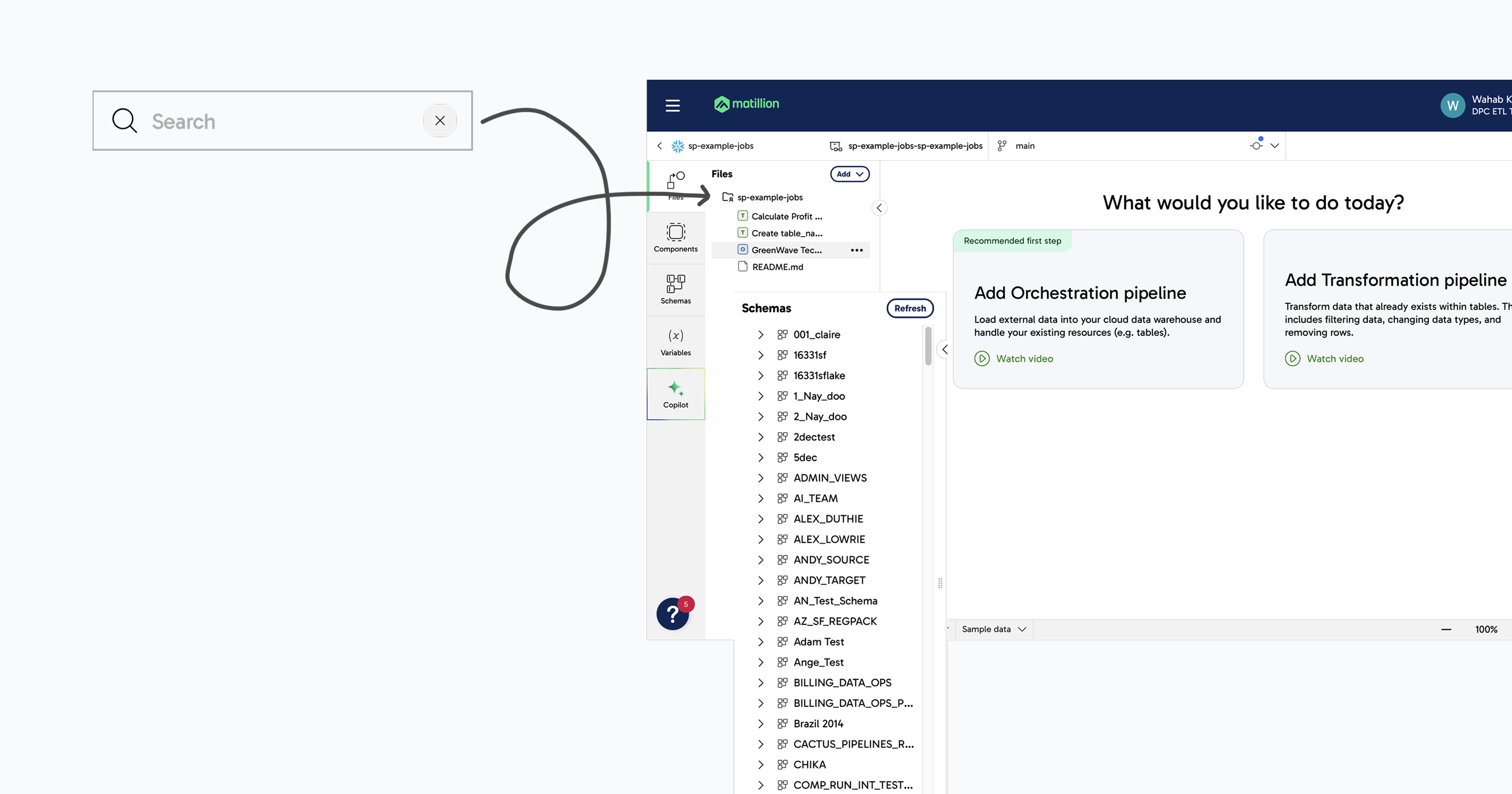
Pull a live product page directly into Figma as fully editable layers. Rather than starting from scratch or working from memory, the design file starts from what is actually live. Annotate, restyle, and explore changes on top of the real product.
2. Making changes in code
Take a direction from Figma into VS Code. Use Claude Code to scaffold or modify components, review the output, refine it, and test it locally against the live product. Then commit via Git, push to GitHub, and go through engineering review. Changes had to pass tests before anything got merged. This was the core of what I used day-to-day.
3. Live prototyping
Another designer on the team built a separate workflow for generating live prototypes quickly, turning a design direction into something working and interactive in minutes. I used this to get ideas across to engineers and product people faster and move conversations forward without needing a fully polished static design first.
Why This Matters
Working closer to the codebase changes how you make design decisions. You are not designing in a vacuum and hoping it is feasible. You are testing against real constraints from the start. When design and engineering are operating in the same space, feedback loops shrink and the gap between what is designed and what ships gets smaller.
Without this workflow
- Design happens disconnected from the live product
- Feedback only arrives after something is fully built
- Figma files are rebuilt from memory rather than generated from reality
- Ideas take hours to communicate as static screens
With it
- Design decisions are grounded in what is technically real from the start
- Feedback loops shrink from sprints to sessions
- Prototypes replace static screens in early engineering conversations
- The gap between designed and shipped gets smaller with every project
Reflection
The honest version of this project is that it was collaborative from start to finish. The initiative existed before I joined. Another designer had done significant groundwork. Engineers were involved at every step. My contribution was in the middle and at the end: helping get the workflow working, running the workshop with the team, and using it to ship real things.
That collaboration is actually the point. A closer-to-code design workflow only works if multiple people can run it. Getting it to a state where that was possible was the real outcome.
Next Steps
- Formalise the workflow into a repeatable process other designers can pick up independently.
- Explore AI-assisted design QA: checking shipped UI against design intent automatically.
- Apply this approach to larger, multi-page products.
- Contribute to a component-level design system kept in sync with the codebase.
The role was made redundant due to organisational restructure in June 2026 before these could be taken further. The workflow and documentation remain with the team.